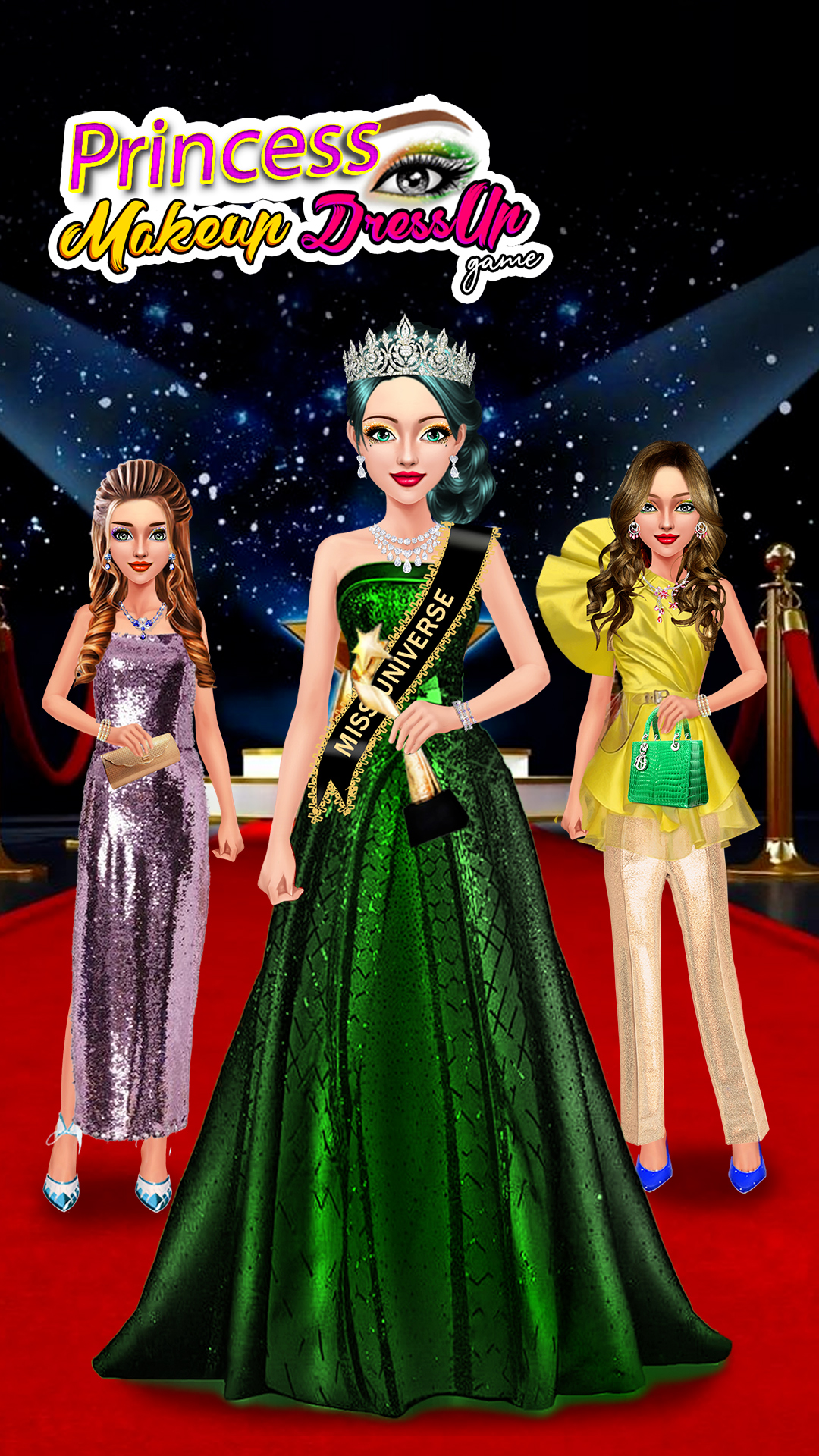
Whether you are designing a high-fashion runway look or perfecting a character for a virtual world, mastering makeup and dress up requires a blend of creative vision and technical precision. In the evolving landscape of digital aesthetics, the ability to translate real-world beauty trends and fashion sensibilities onto a digital canvas has become a skill set all its own. From the intricate detailing found in popular fashion makeover games to the highly detailed work required by professional-grade character creators, your choices define your virtual identity.
In this guide, we will explore the essential foundations of digital styling, moving beyond basic interface interactions to discuss professional-level techniques. You will learn how to calibrate your workspace for color accuracy, leverage advanced layering systems for makeup, and curate silhouettes that stand out in any environment. Whether you are aiming to dominate in red carpet styling games or are curious about the meticulous techniques used by cosplay costume designers, these strategies will help you elevate your digital artistry to the next level.
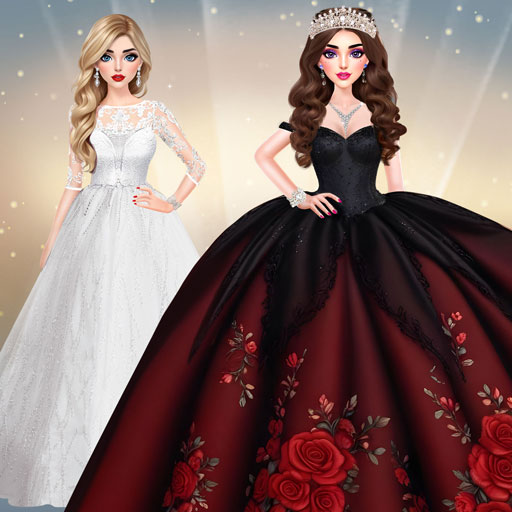
1. Essential Foundations for Mastering Makeup and Dress Up in Virtual Environments

Stepping into the world of digital styling requires more than just a creative eye; it demands an understanding of the technical landscape where your avatar lives. Whether you are exploring complex fashion makeover games or refining a character for a roleplay server, the foundation of your success lies in how you perceive and manipulate digital assets on your screen.
1.1 Understanding Digital Color Theory and Screen Calibration
Digital color theory functions differently than physical pigments. Because you are viewing your work through a screen, the way your hardware displays light significantly alters your artistic choices.
1.1.1 Adjusting for Monitor Brightness and Gamma Settings
If your monitor’s brightness is too high, you may over-compensate by choosing muted or desaturated makeup tones that appear washed out to other players. Conversely, improper gamma settings can crush shadows, causing dark contour lines to look like muddy streaks rather than defined features. Before starting a session, ensure your monitor is calibrated to a standard sRGB profile. Adjusting your “black levels” ensures that the deepest shadows in your character’s eye makeup or clothing textures remain visible rather than blending into a dark void.
1.1.2 The Impact of Color Space on Texture Rendering
Most game engines process colors using specific color spaces that define how textures interact with in-game lighting. When applying “makeup,” remember that the texture map of the avatar’s skin interacts with the light source. A vibrant red lipstick in the editor might appear brownish if the engine’s lighting model calculates the surface as having high-specular reflectivity. Always test your color choices under different lighting conditions—such as bright daylight and dim interior settings—to ensure your look remains consistent.
1.2 Defining Your Virtual Aesthetic
Great styling is rarely random. Establishing a cohesive look helps you build a recognizable personal brand within virtual communities.
1.2.1 Identifying Key Archetypes for Consistent Styling
Think of your avatar as a character in a story. Do you prefer a “Cyber-Goth” vibe, a minimalist “High-Fashion” model, or a soft “Ethereal” look? By selecting an archetype, you narrow down the vast library of items available, making it easier to curate outfits that feel intentional rather than cluttered.
1.2.2 Balancing Realism with Fantasy Elements
The most compelling digital looks often blend hyper-real skin textures with surreal accessories. While you might keep your avatar’s contouring grounded in realistic anatomy, don’t be afraid to experiment with fantasy elements like glowing iris textures or bioluminescent body art to create a striking contrast.
1.3 Navigating Interface Tools for Precision Styling
Mastery of the interface is the bridge between a good concept and a great execution.
1.3.1 Utilizing Layering Systems for Makeup Application
Many advanced platforms offer layering systems similar to professional photo editing software. Use these to your advantage by separating base tones from highlights and shadows. This allows you to adjust the opacity of your blush or eyeshadow independently, providing a depth that flat textures simply cannot match.
1.3.2 Optimizing UI Settings for Better Visual Feedback
If your game allows it, hide the UI while you are in the final stages of the styling process. This clears the screen of distractions, allowing you to focus entirely on the silhouette and color harmony of your avatar. Enabling high-quality texture filtering in your graphics settings is also essential, as it prevents makeup edges from looking pixelated or “jagged” during close-up viewing.
2. Advanced Techniques for High-Impact Makeup and Dress Up Styling
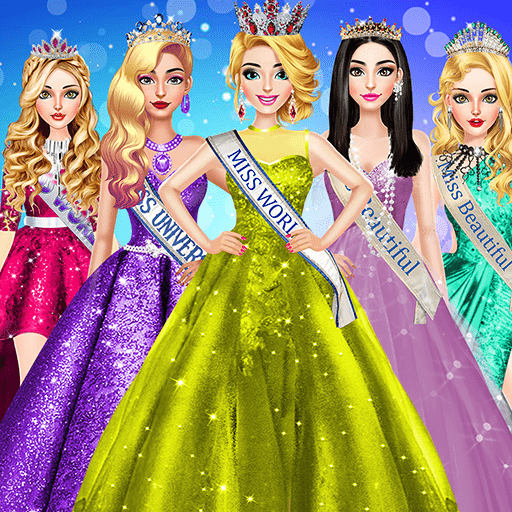
2.1 Professional Makeup Artistry for Digital Avatars
2.1.1 Mastering Virtual Contouring and Structural Highlighting
Digital faces lack the physical dimension of real skin, making virtual contouring essential for depth. Start by identifying your avatar’s bone structure. Use darker shades along the jawline, hollows of the cheeks, and temples to create definition. Follow this with a lighter “highlight” shade on the bridge of the nose, the center of the forehead, and the chin. In high-fidelity makeup and dress up simulators, subtle gradients are key; avoid harsh lines to ensure the transition looks realistic under different in-game lighting conditions.
2.1.2 Blending Techniques for Natural Lip and Eye Textures
For eyes, experiment with multi-tonal layering. Apply a base shadow across the lid, followed by a deeper pigment in the crease. To achieve a professional finish, use a lighter, luminous shade at the inner corners to open the gaze. When working on lips, treat them like a canvas. Use a digital “liner” to define the perimeter, then fill with a textured pigment. If the software allows, adjust the gloss or matte settings to match the mood of your overall look.
2.1.3 Adapting Real-World Beauty Trends to Digital Mediums
Bringing runway trends into your digital projects requires a mix of creativity and restraint. If you are participating in red carpet styling games, look for high-contrast palettes that translate well on-screen. Remember that digital rendering can sometimes wash out softer colors; don’t be afraid to increase the saturation slightly compared to what you might wear in person to ensure your artistry stands out in a screenshot.
2.2 Fashion Curating and Silhouette Optimization
2.2.1 Principles of Proportion and Scale in Digital Fashion
Success in digital styling often comes down to balancing silhouettes. If your avatar is wearing a voluminous gown, offset it with a sleek, structured hairstyle to avoid overwhelming the frame. Conversely, if the outfit is minimalist, use statement accessories to draw the eye. Always consider the scale of patterns; larger prints can sometimes clip through avatar geometry, so favor intricate, smaller details for complex layered outfits.
2.2.2 Strategic Use of Accessories to Enhance Character Design
Accessories are the finishing touch that elevates a look from casual to editorial. When building your collection, look for items that complement the color story of your outfit. A belt can cinch a waist to create a more flattering silhouette, while carefully placed jewelry can act as a focal point. Always preview these items from multiple angles to ensure they align with the character’s posture and movement.
2.2.3 Incorporating Physics-Based Movement into Outfit Choices
Many modern fashion makeover games use physics engines that cause clothing to sway or drape naturally as the character moves. Take advantage of this by choosing flowing fabrics like silk or chiffon for dynamic poses. Observe how the fabric interacts with the avatar’s limbs; choosing high-quality assets that react correctly to motion will make your styling look more professional and polished.
2.3 Post-Styling Polish and Community Engagement
2.3.1 Leveraging Filters and Lighting for Cinematic Results
Once your styling is complete, the presentation is the final frontier. Utilize built-in photography modes to adjust the “golden hour” or “studio” lighting settings. These tools allow you to cast dramatic shadows that accentuate the contouring work you performed earlier. Applying subtle color-grade filters can also unify the textures of the hair, makeup, and clothing, creating a cohesive, cinematic aesthetic.
2.3.2 Sharing Your Creations and Building a Digital Portfolio
Whether you are interested in cosplay costume designers’ techniques or high-fashion virtual runways, sharing your work is the best way to grow. Engage with online communities by posting your best captures with relevant hashtags. By maintaining a consistent theme or aesthetic, you can build a digital portfolio that showcases your evolution, encouraging others to provide feedback and inspiration for your future styling sessions.
Mastering the art of makeup and dress up in a virtual space is more than just clicking through menus; it is a blend of creative expression and technical understanding. By fine-tuning your monitor settings, grasping the basics of digital color theory, and experimenting with advanced layering techniques, you can transform a standard avatar into a high-fashion masterpiece. Whether you are aiming for the perfect look in competitive fashion makeover games or crafting intricate ensembles as part of a group of digital cosplay costume designers, consistency and attention to detail remain your greatest assets.
As you continue to refine your style, remember that digital fashion is a living, evolving medium. Take the time to step back, evaluate your work under different lighting conditions, and, most importantly, have fun with the process. If you want to further sharpen your eye for design and character building, check out our guide on mastering game avatar customization to take your skills to the next level. Your virtual wardrobe is a blank canvas—keep experimenting, building your portfolio, and sharing your unique aesthetic with the community.