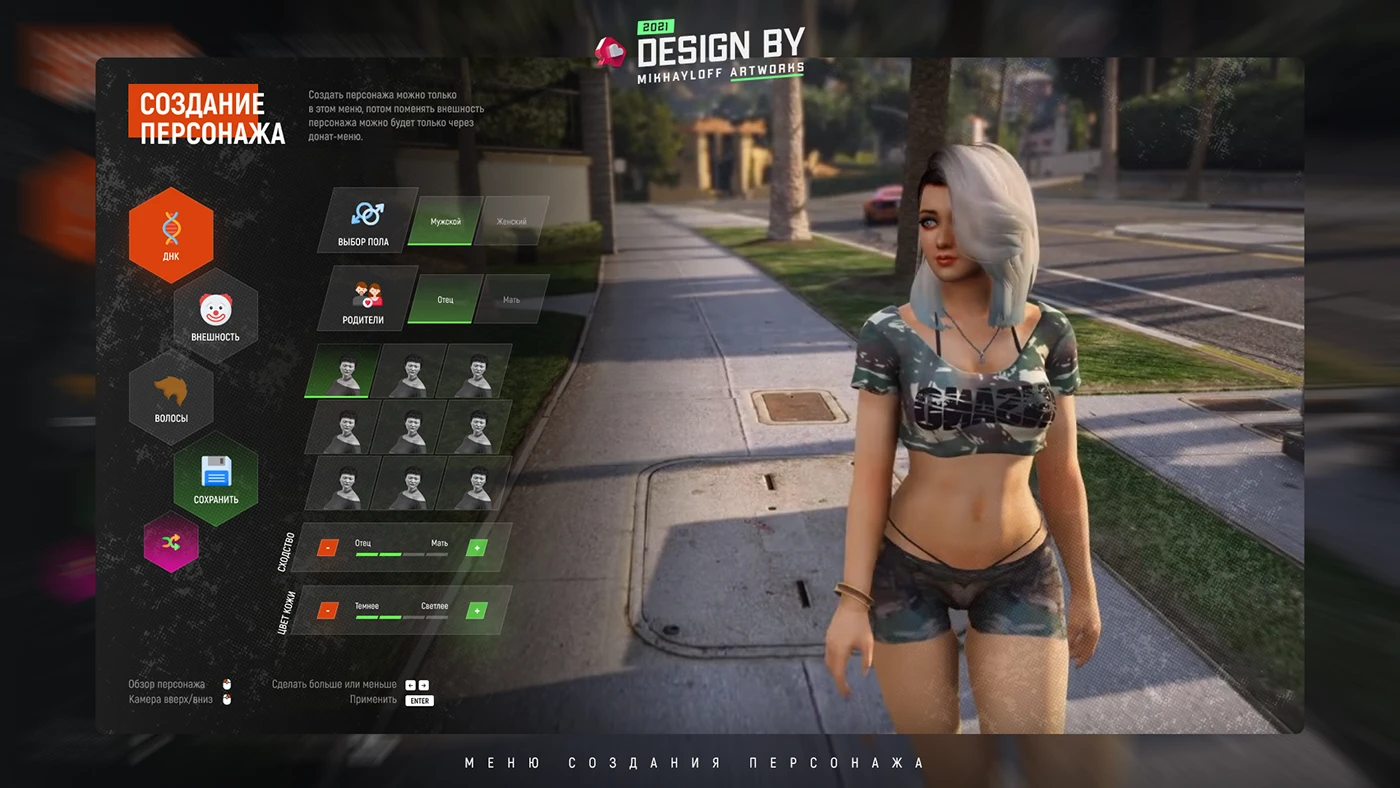
For many players, the journey begins long before the first quest is accepted or the opening cutscene plays. It starts in the character creator, where every slider, color palette choice, and gear selection helps transform a blank slate into a digital identity. Mastering game avatar customization is more than just an aesthetic exercise; it is about bridging the gap between your personal creativity and the technical limitations of modern game engines. Whether you are aiming to design your character with hyper-realistic features or stylized flair, the depth of current systems can be daunting.
In this guide, we will break down the essential design principles required to navigate any custom character creator effectively. From understanding facial proportions to mastering the interplay of lighting and textures, you will learn how to build consistent, impactful personas across various character customization games. By applying professional design theories to your digital avatar, you can ensure your character not only looks professional but also fits seamlessly into the game’s unique world-building and artistic vision.
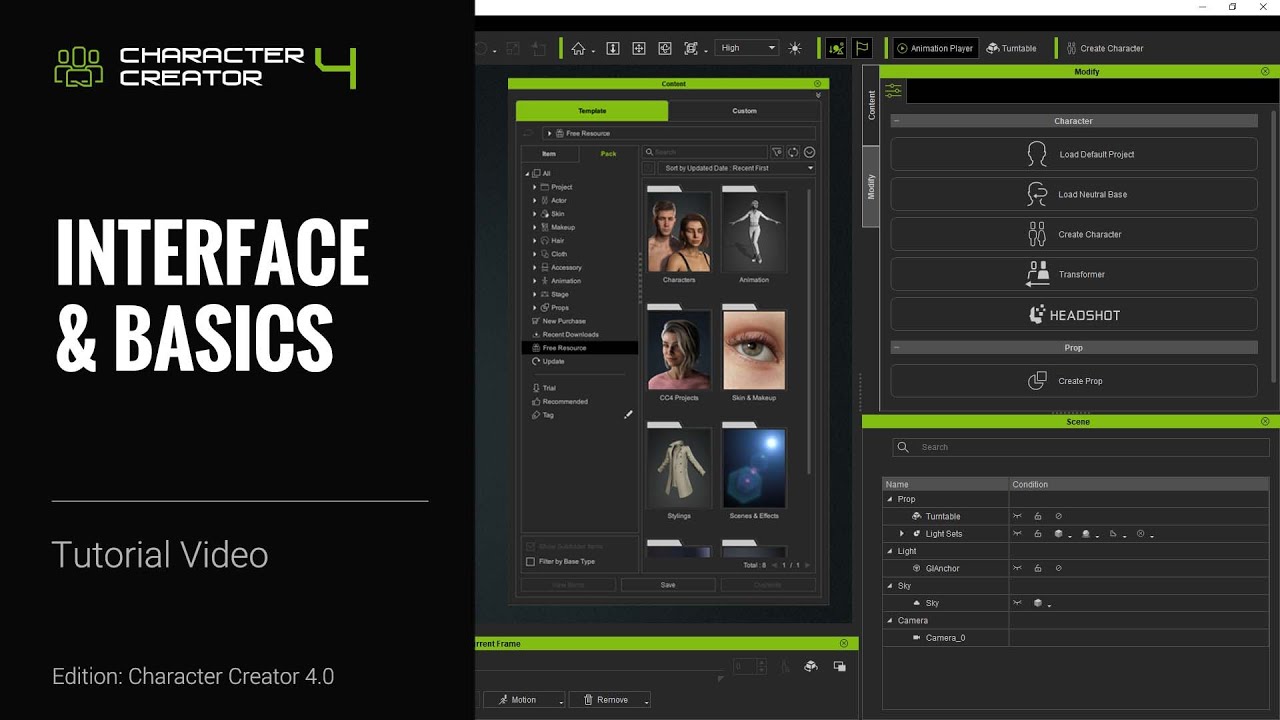
1. Mastering Game Avatar Customization: Technical Frameworks and Design Principles
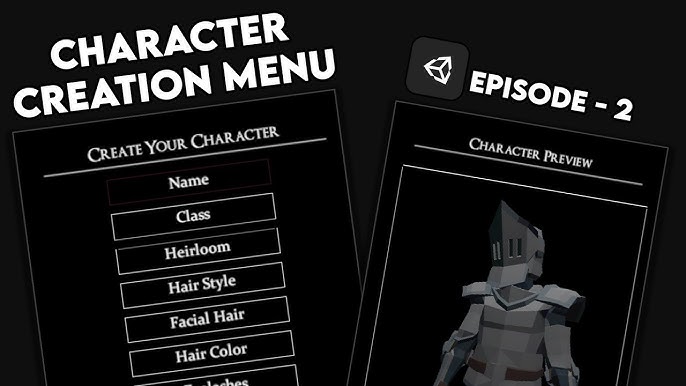
1.1 Establishing a Character Concept Before You Begin
1.1.1 Defining Your Archetype Based on Game Genre and Role
Before diving into a custom character creator, it is vital to understand the “why” behind your design. Your character’s archetype should align with the game’s core mechanics. In a high-fantasy RPG, you might prioritize an aesthetic that reflects a specific class, such as the rugged practicality of a warrior or the intricate, flowing garments of a mage. Consider how your character’s role influences their appearance; a stealth-based character likely benefits from darker, form-fitting gear, while a tank archetype demands a look that conveys durability and presence.
1.1.2 Applying Color Theory to Reflect Personality and Temperament
Color is the most immediate tool for storytelling. Use color theory to communicate your character’s backstory. High-saturation, warm colors like red and orange often signify aggression or high energy, making them ideal for combat-focused avatars. Conversely, cool blues and greys suggest a more analytical or detached temperament. When designing your character, stick to a limited palette of two or three primary colors to avoid visual fatigue and ensure your avatar feels cohesive.
1.1.3 Utilizing Visual Hierarchy to Create a Distinct Silhouette
A strong silhouette is what separates an amateur design from a professional-looking one. Focus on visual hierarchy by emphasizing one primary feature—perhaps an oversized weapon, a unique hairstyle, or a specific piece of ornate armor. By keeping secondary elements simple, you guide the viewer’s eye to the most important parts of your character. This ensures that even at a distance, your avatar remains recognizable in crowded multiplayer environments.
1.2 Navigating Complex In-Game Character Creators
1.2.1 Mastering Slider Manipulation for Facial Feature Proportions
Modern character customization games offer deep control over facial geometry. The trick is to start with large, general adjustments before moving to micro-details. Always check your character’s face from a profile view, as sliders that look correct from the front often create exaggerated or uncanny proportions when rotated. Remember that human faces are rarely perfectly symmetrical; adding slight, intentional imperfections can make your avatar feel more grounded and less robotic.
1.2.2 Leveraging Material and Texture Settings for Realistic Skin and Fabric
Don’t ignore the material settings provided by the developer. Adjusting the roughness and specularity of skin can simulate different environments, like sweaty, battle-hardened skin versus clean, polished features. Similarly, apply varied fabric settings to differentiate between heavy leather armor and soft cloth capes. These technical details, while subtle, prevent your character from looking like a flat, digital cutout.
1.2.3 Strategic Layering of Accessories and Gear to Maintain Readability
When building your look, resist the urge to fill every equipment slot for the sake of it. Strategic layering is key to maintaining a clean aesthetic. If you are experimenting with complex character builds, you can look at resources like our best survival adventure games guide to see how top-tier titles balance gear function with visual style. Ensure that your accessories complement, rather than obscure, your base design.
1.3 Testing Your Design Across Varied In-Game Environments
1.3.1 Adjusting for Lighting Conditions and Biome Color Palettes
A character that looks perfect in a character creator’s neutral studio light often looks vastly different in the game world. Test your avatar in various biomes, such as dark dungeons or sun-drenched plains. If your character’s color scheme matches the environment too closely, they may lack “pop,” making it difficult for you to track them during fast-paced movement.
1.3.2 Observing Avatar Behavior Under Different Animation Sets
The way your character moves is an extension of their design. Check your avatar during combat animations, idle cycles, and traversal. Some hairstyles or long coats may clip through armor or weapons during intense combat, which can break immersion. Choose pieces that retain their integrity during your most frequently used animations.
1.3.3 Verifying Visual Integrity Across Mobile, Console, and PC Hardware
Finally, keep in mind that hardware differences can alter the appearance of your shaders and textures. High-resolution textures that look great on a powerful PC may lose detail on mobile devices. If you play cross-platform, prioritize a design that relies on strong shape language rather than hyper-detailed textures, ensuring your character remains consistent across every device you use to play.
2. Advanced Strategies for Creating Unique and Consistent Game Avatars
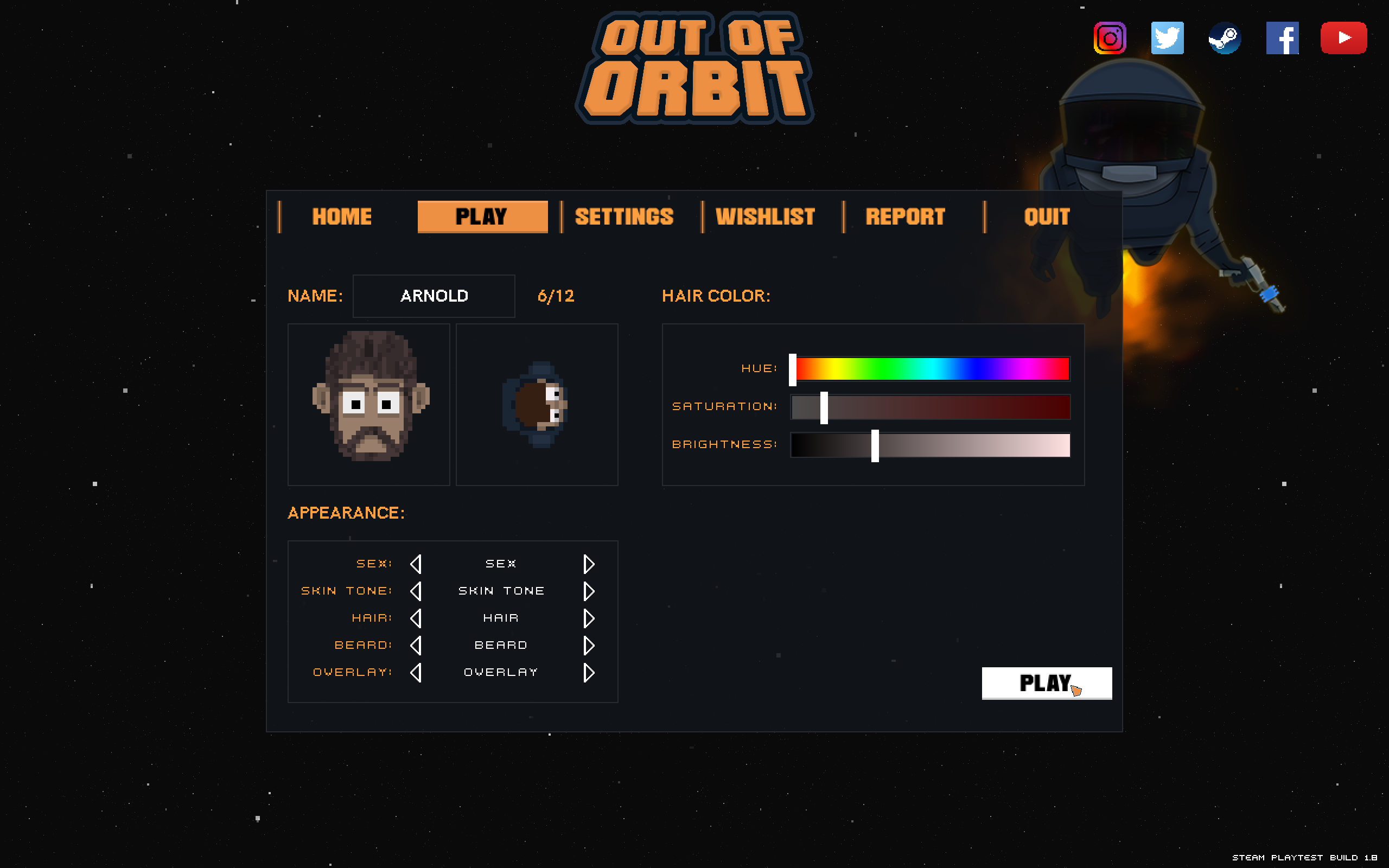
Moving beyond basic aesthetics requires a deeper understanding of design theory. When you invest time in crafting a digital persona, you are essentially engaging in a form of visual storytelling. Applying professional design principles allows your character to stand out in crowded multiplayer environments and creates a more immersive experience for the player.
2.1 Applying Professional Design Theory to Digital Personas
Creating a truly memorable character often hinges on how you balance human intuition with technical constraints. By shifting your focus toward deliberate design choices, you can create avatars that feel more life-like and intentional.
2.1.1 Reducing the Uncanny Valley Effect Through Asymmetrical Design
The uncanny valley—that unsettling feeling caused by near-human but slightly “off” character models—is a common hurdle in modern character customization games. To mitigate this, introduce intentional asymmetry. Perfect symmetry is rarely found in nature; by slightly altering the position of a scar, the arch of an eyebrow, or the depth of a cheekbone, you trick the brain into perceiving the model as more organic and less like a static, generated asset.
2.1.2 Using Psychological Cues in Facial Features to Influence Player Perception
Your character’s face is their primary mode of communication. Utilizing psychological cues—such as a slightly lowered brow ridge to convey intensity or specific eye shapes to suggest innocence or cunning—allows you to bake personality into the design. Think of these features as a visual shorthand that tells other players exactly who your character is without a single line of dialogue.
2.1.3 Integrating Historical or Cultural Motifs for Aesthetic Originality
To avoid generic character builds, draw inspiration from real-world history or specific cultural motifs. Whether it is incorporating traditional geometric patterns into armor engravings or selecting color palettes based on historical dyes, these details add an essential layer of authenticity that generic presets cannot provide.
2.2 Ensuring Personal Brand Consistency Across Multiple Gaming Titles
Many players enjoy carrying a visual identity across various genres. Establishing a consistent look requires a methodical approach to your custom character creator settings.
2.2.1 Developing a Digital Signature for Cross-Platform Recognition
Define a “digital signature”—a specific combination of hair color, a recurring facial feature, or a signature piece of gear—that you replicate in every game you play. This serves as your brand, making you easily identifiable to friends and rivals alike, regardless of the game engine.
2.2.2 Managing Technical Constraints and File Compatibility for Exported Profiles
While some games allow for profile exports, many require manual replication. If you frequently jump between titles, consider creating a simple spreadsheet or document that tracks your slider settings, color hex codes, and key gear choices. This simplifies the process when you start fresh in a new game.
2.2.3 Documenting Your Design Parameters for Replicability in New Engines
Every engine handles lighting and textures differently. Instead of noting exact slider numbers, document the proportions and visual intent. For instance, note the relative distance between the eyes or the overall saturation of your color palette. This helps you recreate the “spirit” of your avatar even when the game’s technical tools differ significantly from your primary setup. You might even want to apply these organizational skills to other creative hobbies, such as refining your space with repurposed decor projects to keep your creative workflow sharp.
2.3 Common Pitfalls and Best Practices for Refined Design
Even the most detailed design can fail if it lacks cohesion. Refining your avatar requires knowing when to stop adding elements.
2.3.1 Avoiding Over-Design and Visual Clutter
A common mistake is utilizing every available accessory slot. Too much visual noise can detract from the character’s core design. Follow the principle of “less is more”—identify one or two focal points on your character and let the rest of the outfit support those elements rather than compete for attention.
2.3.2 Ensuring Your Avatar Complements the Game Art Direction
A hyper-realistic character design often looks jarring in a stylized or cel-shaded game. Always consider the game’s inherent art direction. If the world is minimalist and painterly, choose colors and textures that align with that aesthetic to ensure your character feels like they truly belong in that universe.
2.3.3 Balancing Aesthetic Expression with Gameplay Functionality and Hitbox Awareness
Finally, remember that your avatar is a functional part of the game. Oversized accessories or bulky armor might look impressive, but they can obscure your view or provide a larger visual target for opponents. Always test your final design in action to ensure that your creative choices do not negatively impact your ability to play effectively.
Mastering the art of game avatar customization is more than just picking a cool hairstyle or a signature outfit; it is about crafting a digital extension of your personality that enhances your immersion in the game world. Throughout this guide, we have explored the technical frameworks, design principles, and psychological cues that transform a generic model into a unique persona. By carefully navigating complex slider systems, applying sound color theory, and ensuring your design remains consistent across various gaming environments, you can elevate your play experience significantly. Remember that the best character creators are those that balance aesthetic creativity with the practical constraints of the game’s art direction and mechanics.
As you move forward, keep experimenting with your designs. Whether you are looking to refine your aesthetic in a high-fantasy RPG or simply want a fresh look for your next online session, the skills you have developed here will serve you well. For those who enjoy testing their creative intuition in other arenas, you might find our Sister Location Characters Quiz a fun way to engage with character archetypes from a different perspective. Ultimately, your avatar is a reflection of your journey as a gamer—so take the time to make it truly yours, ensuring every choice you make adds to the depth and enjoyment of your virtual adventures.