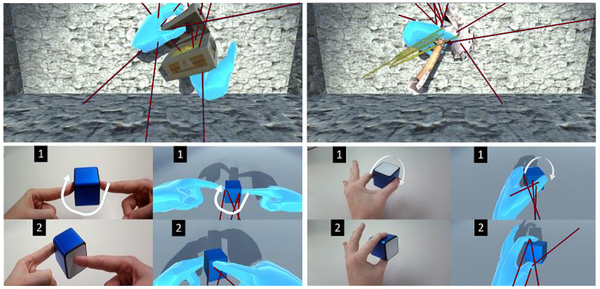
Few mechanics in modern gaming offer the same level of tactile satisfaction as physics based object manipulation. Whether you are carefully stacking debris to build a bridge in a sandbox creative simulation or frantically tossing items to clear a path during a high-stakes encounter, the way objects interact with the virtual world defines the quality of the experience. Mastering these interactions is about more than just moving items from point A to point B; it is about understanding how forces, mass, and collision detection work in harmony to create a believable digital environment.
In this guide, we will dive into the technical principles that govern these interactions and share practical tips to improve your gameplay. From fine-tuning your responsiveness in intense challenges to appreciating the subtle feedback loops that make atmospheric relaxation games feel so rewarding, you will learn how to approach physics-driven titles with the precision of a seasoned player.
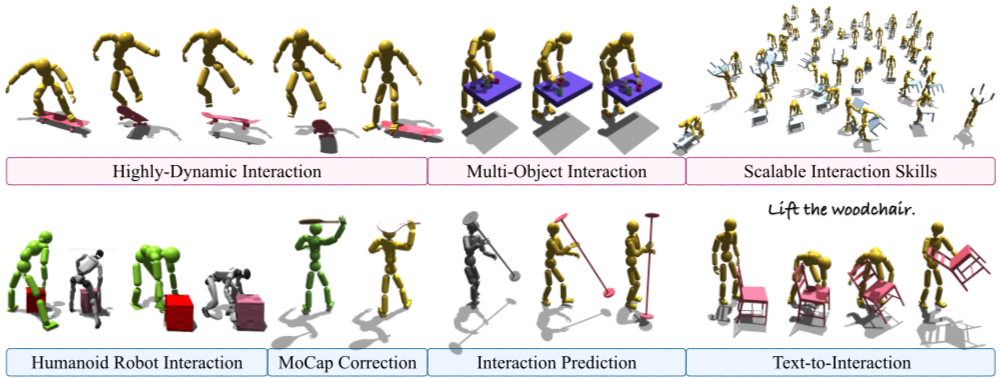
1. Principles and Mechanics of Physics Based Object Manipulation
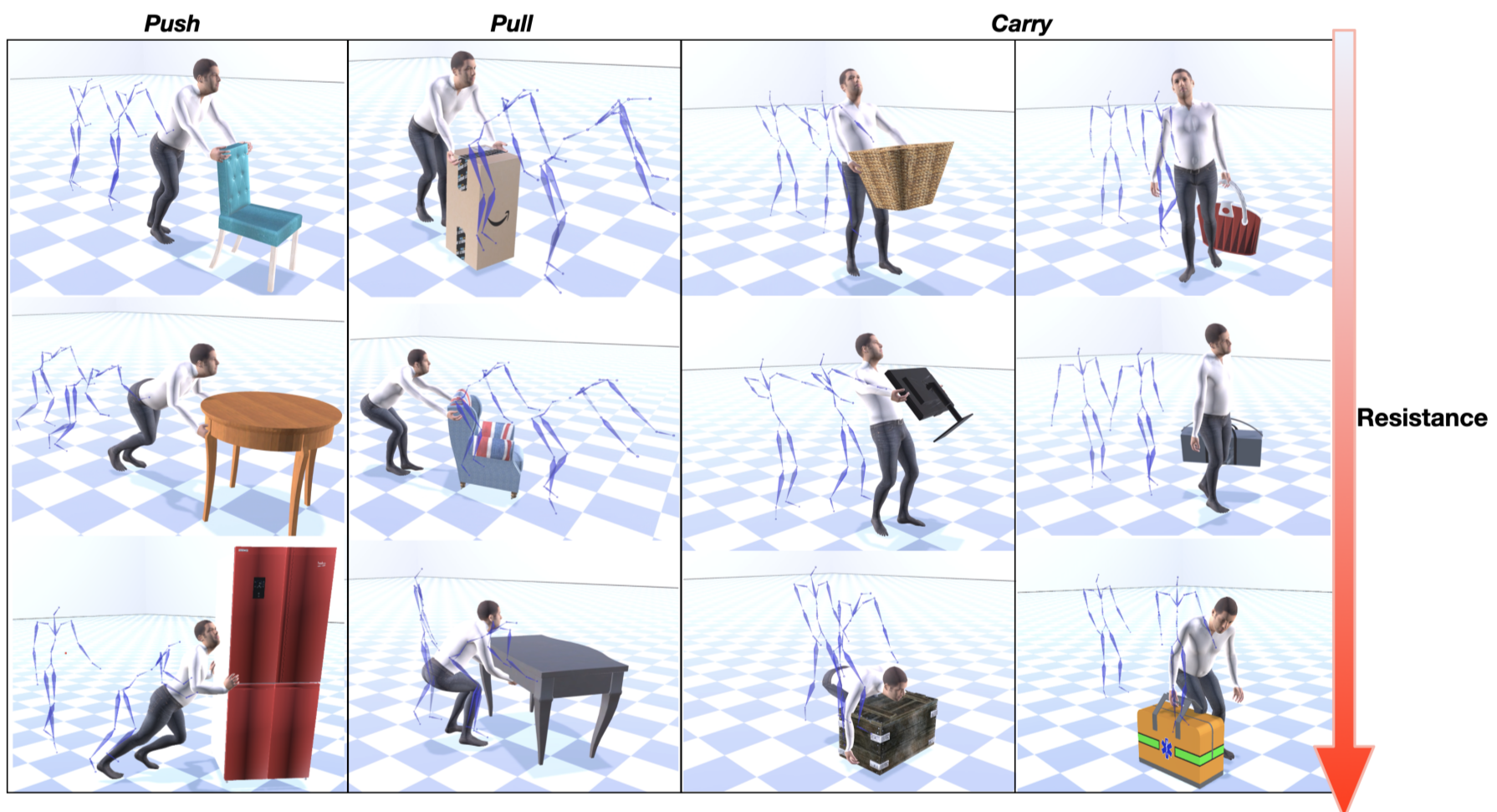
1.1 Fundamental Physics Architectures
1.1.1 Configuring Rigid Bodies and Collision Layers
At the heart of any realistic interaction lies the rigid body component. For effective physics based object manipulation, developers must define clear mass, drag, and angular drag properties to give objects a sense of weight. Configuring collision layers is equally vital; by segmenting objects into specific groups—such as “Player,” “Interactable,” and “Environment”—you can prevent unnecessary calculation overhead and avoid unwanted clipping issues where two objects might mistakenly overlap or jitter.
1.1.2 The Role of Fixed Timesteps in Simulation Stability
Physics engines rely on fixed timesteps to ensure predictable behavior. Unlike frame-rate-dependent logic, a fixed update loop ensures that gravity and velocity calculations remain consistent regardless of how fast the game is running. If your simulation feels erratic or objects seem to fall through floors, the issue often lies in an inconsistent timestep configuration. Maintaining a steady 50Hz or 60Hz update rate provides the necessary stability for smooth, reliable interactions.
1.2 Implementing Responsive Grab and Carry Systems
1.2.1 Kinematic Versus Dynamic Body Transition Logic
When a player grabs an object, the system often needs to switch from dynamic physics—where gravity and forces apply—to kinematic control, where the object follows the player’s transform directly. Transitioning between these states requires careful handling; failing to disable gravity or collision triggers during the grab phase can cause the object to behave wildly as it struggles to reconcile its physical simulation with the player’s camera position.
1.2.2 Force Based Interaction Versus Transform Parenting
While parenting an object to the player’s hand is simple, it often breaks immersion by ignoring obstacles. Using force-based interactions—such as applying velocity or spring joints—allows the object to “feel” its surroundings. This is essential in sandbox creative simulation environments, as it allows objects to nudge others rather than clipping through them during transport.
1.2.3 Solving Object Jitter and Clipping Through Collision Filtering
Jitter occurs when the physics engine detects a collision, moves the object, and then re-detects the same collision in the next frame. Implementing collision filtering—which temporarily ignores the player’s own collider while they are holding an item—is the gold standard for reducing that frustrating vibration players experience when moving objects close to their own character model.
1.3 Advanced Tactile and Kinematic Feedback
1.3.1 Integrating Physical Inverse Kinematics for Natural Arm Movement
Moving beyond simple screen-center “gravity guns,” modern titles use inverse kinematics (IK) to make limbs realistically reach for targets. By calculating joint rotations dynamically, the player’s avatar arm follows the object, grounding the interaction in a believable physical space.
1.3.2 Simulating Mass and Friction via Surface Physics Materials
Physics materials are the unsung heroes of gameplay. By adjusting friction and bounciness values, you can make a crate feel heavy and sliding-resistant, while a metal orb feels slick and energetic. These nuances define the “feel” of a game, transforming abstract code into tangible, weight-sensitive interactions.
1.3.3 Enhancing Immersion Through Haptic and Audio Cues
Feedback loops close the sensory gap. When an object hits a wall, the audio must reflect its material; a thud for wood or a clatter for metal is non-negotiable for immersion. Furthermore, subtle haptic controller vibrations upon initial contact signal to the player that the interaction has successfully engaged.
2. Optimizing Physics Based Object Manipulation for Performance and UX
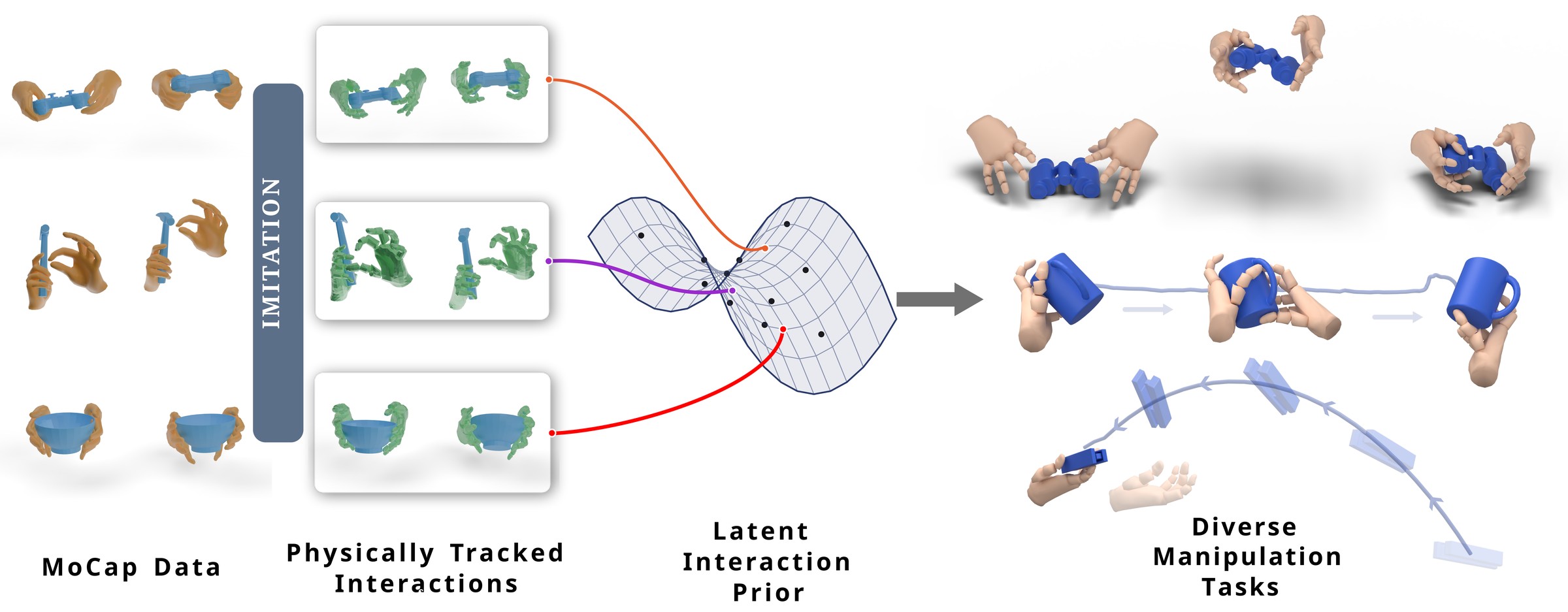
Creating a satisfying gameplay experience requires more than just accurate calculations; it requires a delicate balance between realistic simulation and intuitive player control. When players engage in sandbox creative simulation, they expect objects to respond predictably to their inputs. If the physics are too rigid, the world feels lifeless; if they are too loose, the player loses their sense of agency.
2.1 Balancing Realism With Accessibility
Developers must prioritize how a player “feels” the interaction. Realism often takes a backseat to fun, and over-simulating weight or friction can quickly lead to player fatigue.
2.1.1 Implementing Soft Snapping and Grab Assistance Thresholds
Precision can be difficult in a 3D space. To mitigate this, developers often use soft snapping—a mechanic that subtly pulls an object toward a target position or surface once it is within a certain proximity. Grab assistance thresholds widen the interactive hitboxes for smaller objects, ensuring players don’t miss an item due to minor camera misalignment, which is vital for maintaining flow in fast-paced environments.
2.1.2 Managing Player Frustration With Heavy Object Drag Penalties
While simulating mass is technically impressive, forcing a player to struggle with an unwieldy, heavy object can turn a fun puzzle into a chore. Implementing “ghost weight” or dynamic drag penalties—where the object’s mass effectively reduces as the player moves it—helps keep the gameplay loop engaging without sacrificing the illusion of physical heft.
2.2 Debugging and Optimization Workflows
Physics engines are notorious for their unpredictable behavior, especially under stress. A clean, debugged codebase is essential to prevent immersion-breaking glitches.
2.2.1 Utilizing Debug Draw Tools to Visualize Force Vectors
Visualizing force vectors in real-time allows developers to see exactly how impulses and friction are applied to an object. By drawing these lines on-screen, you can quickly identify whether a “glitchy” jump or an erratic spin is caused by an overactive collision layer or a miscalculated force application.
2.2.2 Managing Active Physics Object Counts and Sleep States
Performance remains a hurdle, particularly in titles where many objects interact simultaneously. Ensuring that static or inactive objects enter a “sleep” state is critical. By disabling physics calculations for objects that haven’t moved within a set threshold, you drastically reduce CPU overhead, keeping the frame rate stable during short form experimental gameplay.
2.2.3 Troubleshooting Common Physics Explosions and High Velocity Glitches
Physics “explosions”—where objects jitter violently and fly across the map—usually occur when objects interpenetrate. To solve this, developers use Continuous Collision Detection (CCD) for high-velocity items or increase the iterations of the physics solver to ensure objects don’t pass through one another in a single frame.
2.3 Future Horizons in Dynamic Interaction
The next generation of physics manipulation is moving away from manual tuning toward more adaptive, intelligent systems.
2.3.1 Reinforcement Learning for Complex Contact Rich Tasks
Developers are beginning to use machine learning to train NPCs and interactable items to handle complex contact. This allows for more natural object handling, where the engine learns to “hold” an item based on its shape rather than using static, pre-defined grab points.
2.3.2 Syncing Physical States in Multiplayer Networking Environments
Perhaps the most challenging frontier is synchronizing physics across a network. Predictive state estimation and server-side reconciliation are becoming standard, ensuring that every player sees the same physical outcome even when latency is present.
Mastering physics based object manipulation is the bridge between a good game and a truly immersive experience. By balancing the technical requirements of rigid bodies and fixed timesteps with the human-centric design of grab assistance and haptic feedback, developers can create worlds that feel responsive, tactile, and rewarding. Whether you are building complex puzzles that demand precision or designing a sandbox creative simulation where experimentation is the primary goal, the key is to prioritize player agency and physical consistency. Even in high-speed, experimental gameplay, the goal remains the same: ensuring the mechanics feel like a natural extension of the player’s intent rather than an obstacle to their progress.
As you continue to refine your interaction systems, remember that the most successful implementations are those that acknowledge both the power and the pitfalls of a physics engine. Regularly testing for collision issues, optimizing object states, and refining the feel of weight and resistance will ultimately determine how much players enjoy interacting with your digital world. We hope these insights help you build more polished, engaging, and stable gameplay experiences. Experiment with these concepts, iterate on your feedback loops, and continue pushing the boundaries of what is possible in interactive virtual environments.