Whether you are a budding musician looking to sharpen your timing or a seasoned drummer wanting to keep your chops up while on the go, a high-quality drum set simulator can turn your smartphone, tablet, or desktop into a powerful percussion studio. Virtual drumming has evolved far beyond simple novelty apps; today’s software provides sophisticated, responsive sound engines that mimic the nuance of real kits. By leveraging these tools, you can explore the fundamentals of rhythm, experiment with complex patterns, and develop the muscle memory required for acoustic play without needing a full drum room.
In this guide, we will explore how to select the right platform to suit your goals, from intuitive beginner interfaces to advanced digital audio workstations designed for precision. We will also dive into how you can bridge the gap between touch-screen taps and physical hardware, ensuring your digital progress translates directly to the kit. If you enjoy sharpening your cognitive coordination through mental challenges, you might also be interested in our lateral thinking riddles, which help build the same focus needed for mastering complex drum beats.
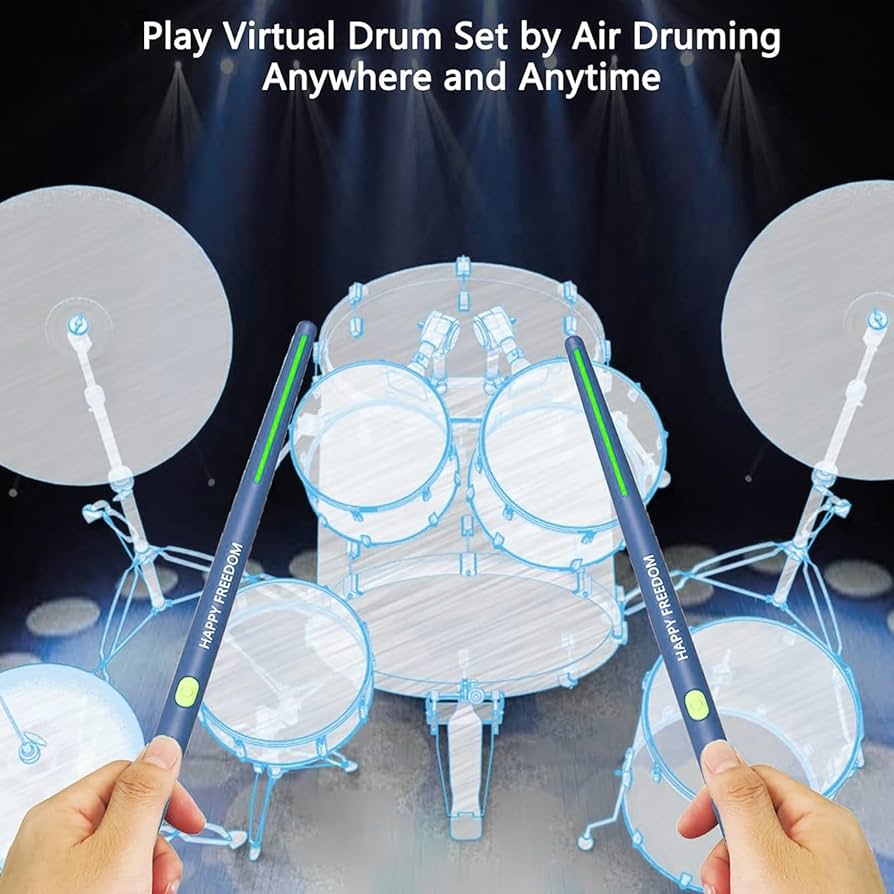
1. Selecting and Mastering the Best Drum Set Simulator Software
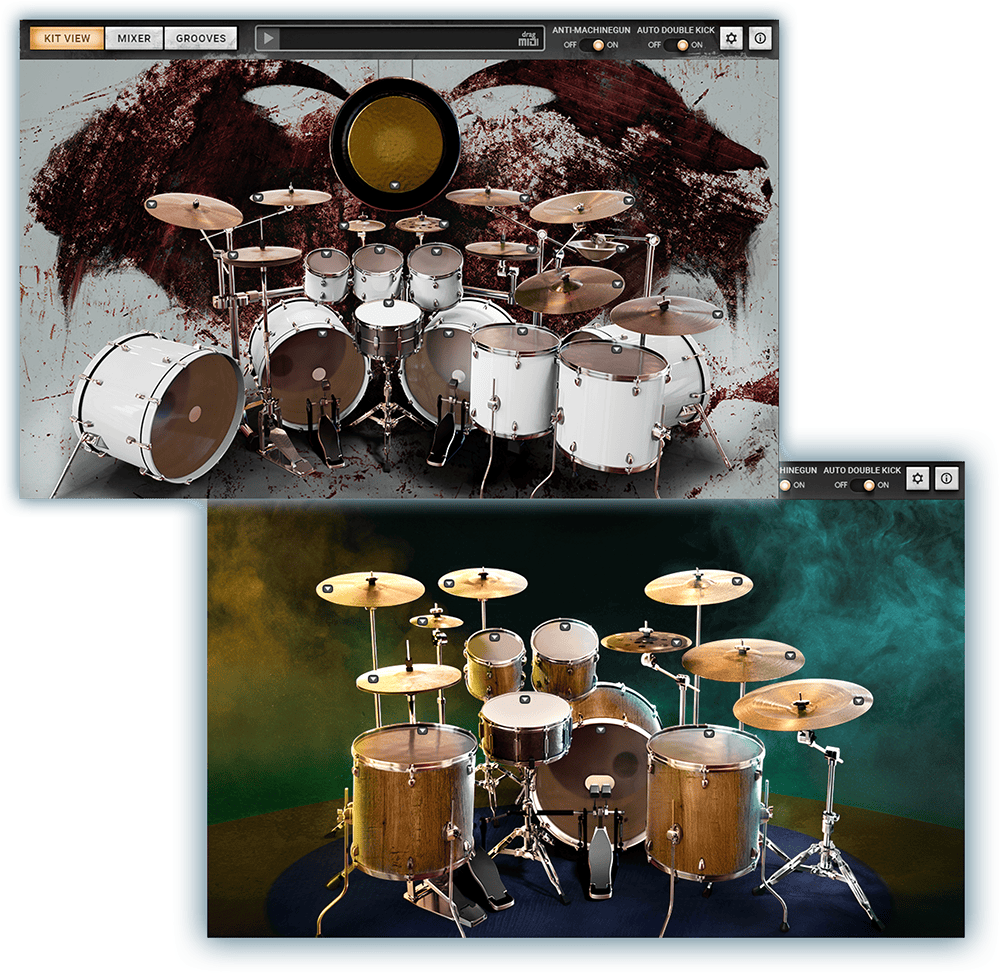
Choosing the right drum set simulator involves more than just picking the app with the most colorful interface. Whether you are a beginner looking to understand basic grooves or a seasoned percussionist wanting to maintain your chops on the go, the software you choose acts as your virtual practice studio. To ensure you are getting the most out of your digital sessions, focus on tools that provide authentic feedback and flexible customization, which are the cornerstones of effective virtual training.
1.1 Evaluating Top Tier Drum Set Simulator Apps for Mobile and Desktop
The market is flooded with rhythm-based software, but not all simulators are created equal. High-tier applications often prioritize realistic audio engine performance, which is vital for distinguishing between a soft ghost note and a heavy accent. A quality simulator should respond dynamically to the velocity of your input. If you are interested in exploring other ways to sharpen your focus, consider how mastering rhythm arcade challenges can complement your overall timing development.
1.1.1 Essential Features for Realistic Sound Engine Performance
A realistic sound engine is what separates a toy from a legitimate practice tool. Look for apps that utilize high-fidelity multi-sampled drum kits. This allows the simulator to trigger different sound layers based on how hard or fast you hit the virtual pad. Without these layers, your performance will sound mechanical and flat, failing to mimic the nuances of real acoustic drum shells and cymbals.
1.1.2 Customizing Drum Kit Layouts and Interface Sensitivity
Ergonomics matter even on a flat screen. The best apps allow you to remap the layout of your kit, ensuring that the distance between your virtual snare and hi-hat feels natural to your hand positioning. Adjusting sensitivity is equally critical; if the software is too sensitive, you will trigger ghost hits by accident, but if it is too dull, you will have to over-exert your fingers, leading to fatigue and poor form.
1.2 Educational Modules and Skill Progression Tools
Beyond the raw sound, the value of a simulator lies in its ability to teach. Advanced apps incorporate structured learning paths that guide you through foundational skills, helping you move past simple tapping toward disciplined practice.
1.2.1 Interactive Metronome Integration for Timing Precision
Timing is the most important skill for any drummer. An integrated metronome is non-negotiable, but advanced simulators go a step further by offering visual cues that pulse in time. This helps you develop a strong internal clock, ensuring your rhythmic placement remains rock-solid regardless of the tempo.
1.2.2 Gamified Drum Rudiment and Pattern Training
Repetition can get boring, which is why gamification is a game-changer. By treating drum rudiments like levels in a game, apps encourage consistent practice. These modules track your accuracy in executing specific patterns—like paradiddles or double-stroke rolls—providing immediate feedback on where your stick control needs refinement.
1.2.3 Utilizing Built in Backing Tracks for Real World Context
Drumming in a vacuum is rarely useful. Using built-in backing tracks forces you to apply your rhythm to a musical context, teaching you how to listen to other instruments and lock in with a bass line. This prepares you for the realities of playing with a live band.
1.3 Technical Considerations for Seamless Virtual Drumming
Even the best app will fail if your hardware cannot keep up. Technical performance is often the biggest hurdle for new users, especially when external factors interfere with the experience.
1.3.1 Troubleshooting Latency and Audio Buffer Issues
Latency—the delay between hitting the screen and hearing the sound—is the arch-nemesis of a good drum set simulator. To mitigate this, always use wired headphones rather than Bluetooth, which introduces significant wireless lag. If you are on a PC, adjusting your audio buffer settings in the application preferences can often solve sync puzzles, ensuring your hits align perfectly with the software’s playback.
1.3.2 MIDI Mapping and Connectivity for External Hardware Support
For those serious about their craft, using a touchscreen is only the first step. Many top-tier apps support MIDI mapping, allowing you to connect electronic drum pads or controllers. By mapping your external hardware to the software, you can utilize the simulator’s superior sound library while maintaining the tactile feedback of physical rubber or mesh pads.
2. Bridging the Gap Between Virtual Practice and Acoustic Drumming
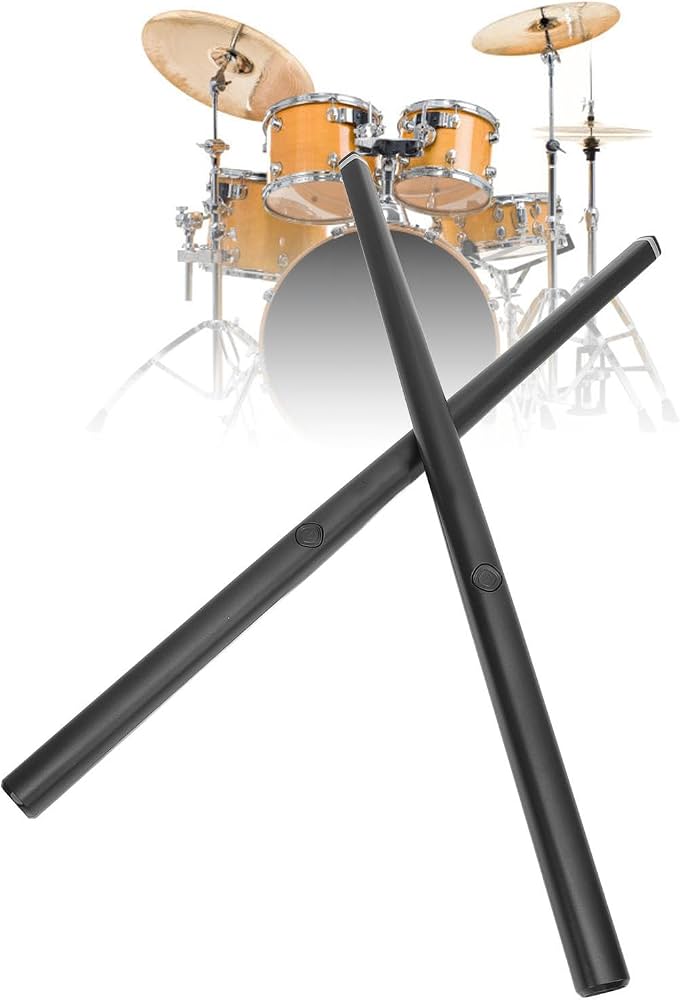
Transitioning from a screen to a physical kit requires more than just knowing where to tap; it demands a translation of digital muscle memory into physical technique. While a drum set simulator is an excellent tool for conceptualizing rhythms, bridging the gap requires intentional practice that honors the physics of acoustic drumming.
2.1 Developing Fundamental Coordination and Technique
To master the transition, you must first treat your touch interface as a genuine musical instrument rather than a casual gaming surface. Developing limb independence is the foundation of professional drumming, and it begins with how you approach virtual pads.
2.1.1 Exercises for Enhancing Limb Independence on Touch Surfaces
Focus on isolation exercises. Start by tapping a steady eighth-note pulse with your dominant index finger while introducing a secondary rhythm with your non-dominant hand. If you are comfortable with complex mechanics, you can apply the same logic used when mastering rhythm arcade challenges to your finger drumming routines. The goal is to separate your left-hand and right-hand patterns so they function independently of one another, which is essential for executing ghost notes and complex fills on an acoustic kit.
2.1.2 Translating Virtual Pad Hits to Physical Drum Shells and Cymbals
When moving to a real kit, you must account for the physical resistance and rebound of drumheads. Use your virtual practice sessions to visualize the arc of your sticks. Focus on the snap of your wrist rather than just the impact point. By mentally pairing a virtual tap with the physical movement of a stick, you prepare your brain to anticipate the necessary force and rebound velocity required for authentic acoustic drums.
2.2 Creating a High Performance Portable Drumming Environment
A cluttered or unstable practice environment hinders growth. To gain the most from your virtual sessions, you must treat your mobile device as part of a dedicated, ergonomic workstation.
2.2.1 Recommended Tablet Stands and Ergonomic Setup Accessories
Invest in an adjustable stand that allows you to position your device at the same height and angle as your snare drum. Maintaining proper posture during virtual sessions ensures that your muscle memory translates directly to a standard kit setup, preventing back strain and bad habits.
2.2.2 Using Professional Monitoring Headphones for Auditory Feedback
Latency can ruin your timing, but audio clarity is equally important. Use low-latency wired headphones to ensure that the sound engine performance is immediate. Precise auditory feedback helps you identify subtle inconsistencies in your timing, which is vital for developing a “pocket” feel.
2.2.3 Integrating External Triggers for Tactile Resistance
For those serious about the transition, consider using external MIDI drum pads. These provide the tactile resistance that a flat touchscreen lacks, allowing you to build the finger and wrist strength required for acoustic performance while still benefiting from the software’s advanced educational modules.
2.3 Maximizing Practice Efficiency for Consistent Growth
Consistency beats intensity every time. The most effective way to improve is through structured, deliberate practice that focuses on incremental progress.
2.3.1 Structuring Short Daily Sessions for Muscle Memory Retention
Break your practice into twenty-minute blocks. Dedicate the first five minutes to warm-ups, ten minutes to new patterns, and five minutes to review. Short, frequent sessions reinforce neural pathways more effectively than infrequent, long marathons.
2.3.2 Tracking Progress Through Recording and Beat Exporting
Always record your sessions. Listening back to your own beats allows you to objectively critique your timing and dynamic control. By exporting your recordings, you can document your growth over time, identify specific weaknesses, and refine your technique with clear, actionable data.
Mastering the drums is a journey that blends physical coordination with rhythmic intuition, and a high-quality drum set simulator acts as the perfect companion to accelerate your progress. By leveraging mobile and desktop technology, you can bridge the gap between casual play and serious musicianship, turning idle time into productive practice sessions. Whether you are refining your limb independence through focused finger drumming or testing your accuracy against complex song library rhythm games, these digital tools provide an accessible, low-pressure environment to develop your skills.
Remember that while virtual platforms are excellent for building muscle memory and internalizing tempo, they are most effective when paired with consistent, dedicated practice on a physical kit. We encourage you to explore the various educational modules and gamified challenges mentioned earlier to keep your daily routines fresh and engaging. For those looking to sharpen their mental agility alongside their physical dexterity, you may also find value in our guide on lateral thinking riddles to boost skills, which helps improve the cognitive patterns essential for complex music composition. Keep hitting those pads, stay patient with your progress, and enjoy the rhythm of your creative evolution.