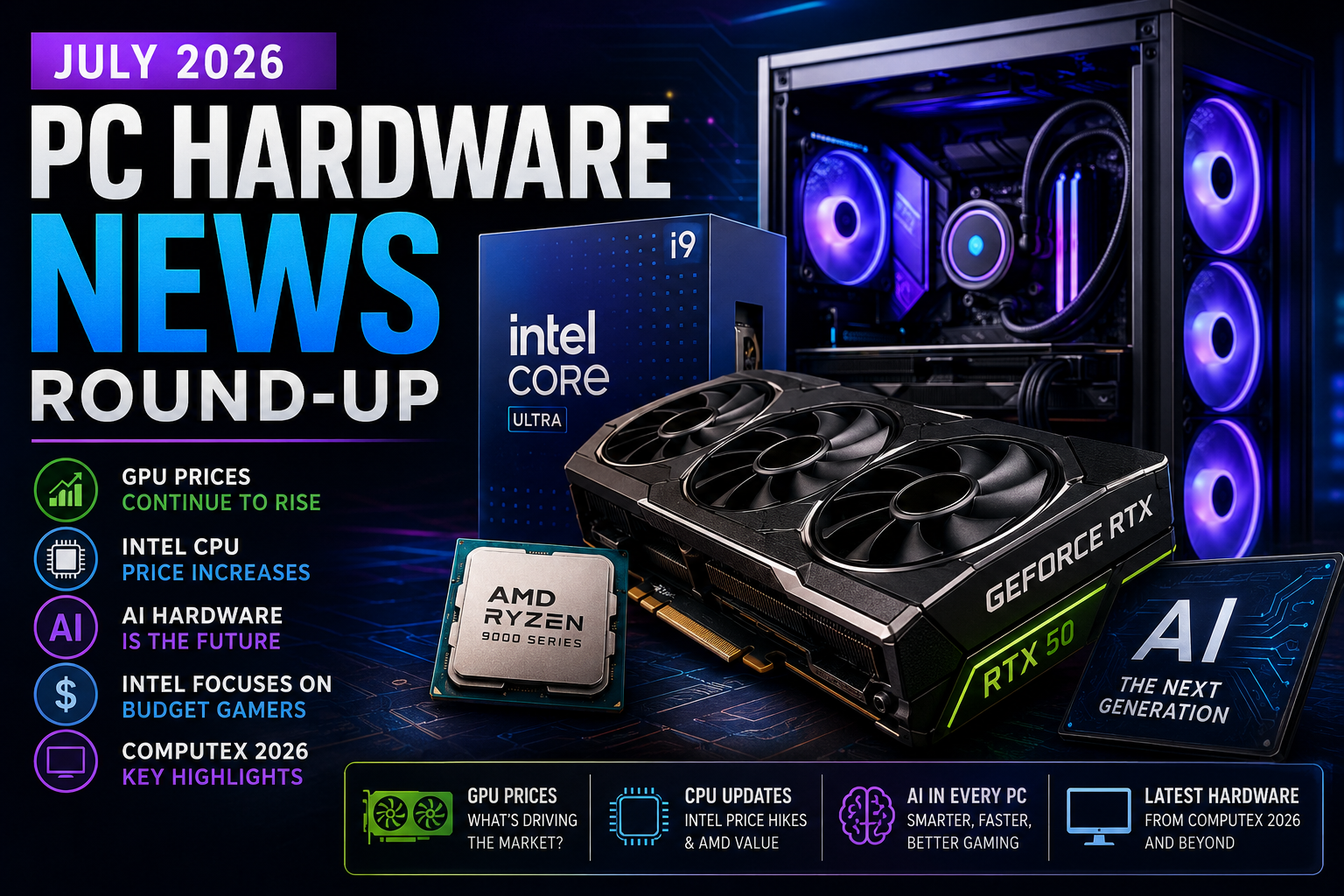
If you are a modern gamer, your experience is likely defined by a constant stream of digital game platform updates. Whether you are booting up your PC, checking your console dashboard, or verifying your mobile library, these background processes have become an invisible yet essential part of the gaming ecosystem. While they often happen automatically, understanding how these updates function is the key to maintaining a smooth library and ensuring your favorite titles are always ready to play. From system-wide stability improvements to critical security patches, these updates shape how we interact with our collections daily.
In this guide, we will break down the mechanics behind these platform changes, explore how to optimize your setup for performance, and provide strategies for managing your games as industry standards shift. You will learn how to navigate developer studio announcements, prepare for new game releases, and future-proof your digital library against evolving DRM policies and store frontends. By mastering these essentials, you can spend less time troubleshooting and more time doing what you love most.
1. Navigating Digital Game Platform Updates and Feature Ecosystems

Modern gaming is defined by constant evolution, where your digital library is rarely static. Staying on top of digital game platform updates is essential for ensuring your hardware remains compatible with the latest software environments. Whether you are managing a console ecosystem or a PC storefront, understanding how these updates function helps you avoid performance bottlenecks and security vulnerabilities.
1.1 Understanding the Mechanics of Modern Platform Maintenance
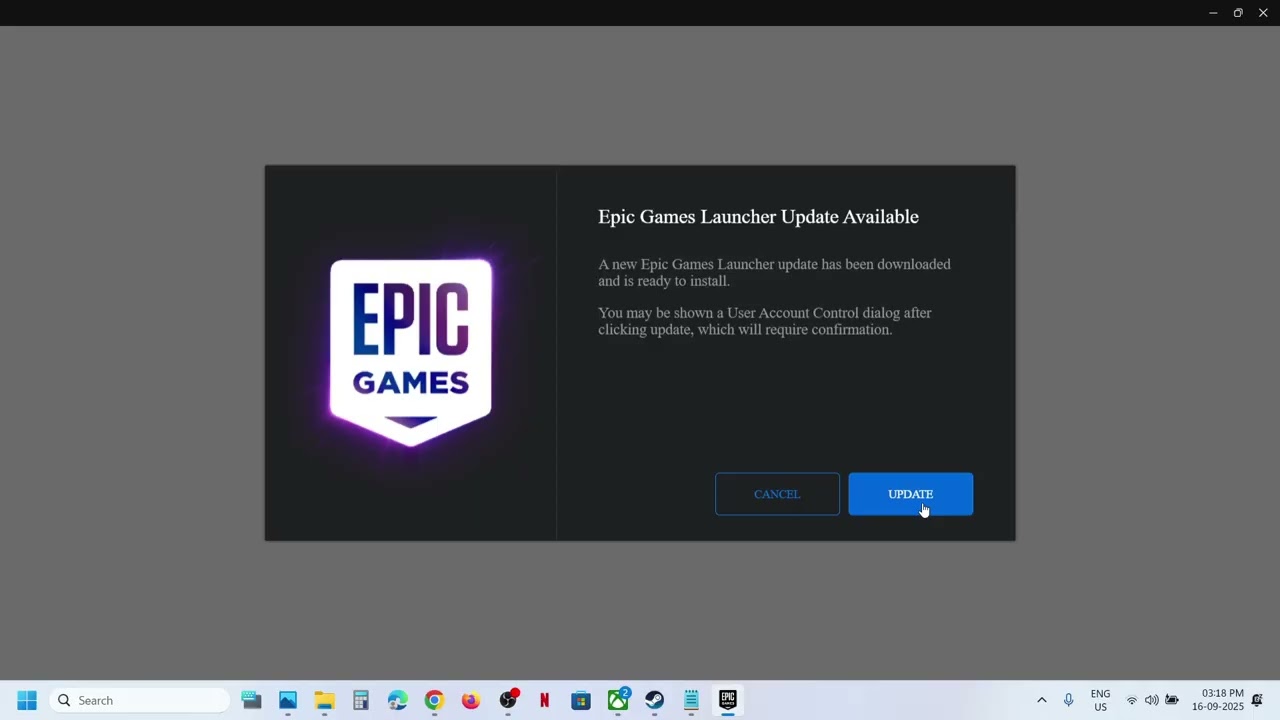
Platform maintenance is the backbone of your digital gaming experience. It is important to distinguish between client updates—which modify the store interface, social features, or backend account security—and title-specific patches that developers push to individual games. While a client update may change how you access your library, a patch is typically focused on bug fixes, balance changes, or content additions for a specific title.
Security patches are arguably the most critical component of platform maintenance. These updates protect your user assets, including payment information, cloud-stored save files, and account credentials. Platforms frequently refresh their security protocols to thwart unauthorized access, making it vital to apply these updates promptly. Furthermore, UI and UX refreshes often accompany these maintenance windows. While these changes can feel jarring, they are usually implemented to improve accessibility, streamline navigation, or integrate new community tools that make managing gaming industry development reports and social interactions easier for the average user.
1.2 Strategic Approaches to Managing Platform Changes
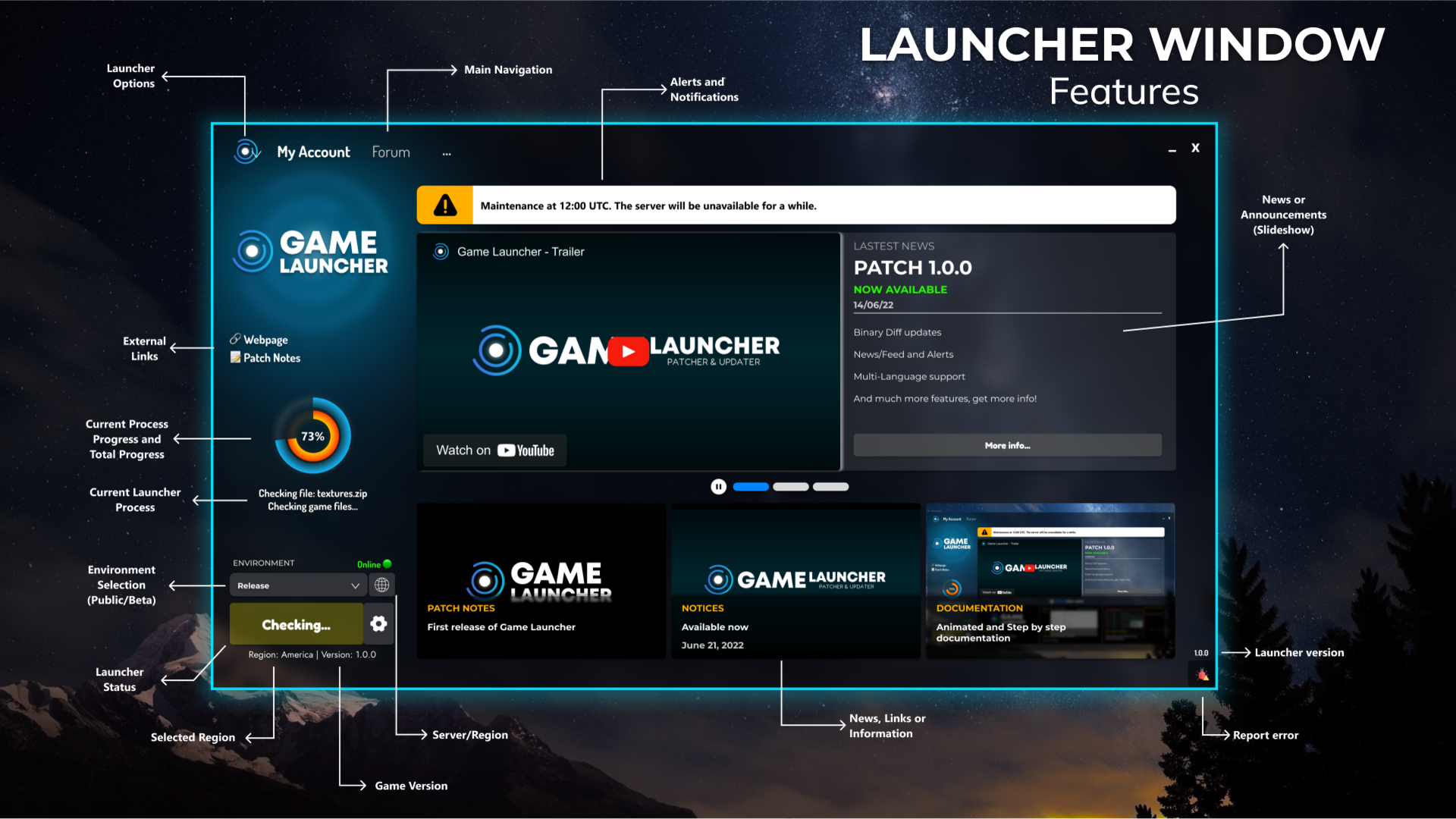
Efficiently managing platform changes prevents downtime. Most modern launchers offer automated background updates. By configuring these settings to occur during off-peak hours, you ensure your games are ready to play without the frustration of large downloads during your leisure time. However, this requires careful attention to storage constraints. Always keep a buffer of free disk space to accommodate unexpected, large-scale patches that might otherwise cause system errors.
If you encounter a post-update performance drop, the first step is to verify file integrity. Most platforms have a built-in function to scan for missing or corrupted files, which often resolves issues caused by incomplete download sequences. Taking a proactive stance here saves you from unnecessary reinstallation.
1.3 Leveraging Beta Programs and Early Access Features
Many platforms allow users to opt into beta programs, providing a glimpse into upcoming features before they hit the general public. Testing these experimental builds can be beneficial if you enjoy early access to new functionality, such as updated social overlays or refined library management tools. However, caution is advised; beta builds are, by definition, works in progress. They may introduce system instability, causing crashes or compatibility issues with your existing library. Only participate in beta programs if you are comfortable troubleshooting minor software glitches, as these environments prioritize developer feedback over absolute stability.
2. Future-Proofing Your Library Amidst Shifting Digital Game Platform Updates
As the industry moves away from physical media, your digital library has become a long-term investment. Navigating the frequency of digital game platform updates requires more than just hitting the “install” button; it demands a strategic approach to ownership and data management to ensure your games remain playable for years to come.
2.1 Adapting to the Decline of Physical Media and DRM Policies
The transition to entirely digital storefronts has shifted the definition of ownership. Today, most gamers are effectively licensing access to titles rather than owning them outright. When platform policies change, your ability to access that library can be impacted.
2.1.1 Assessing the Long-Term Stability of Digital Ownership Terms
It is crucial to read the End User License Agreements (EULAs) when major updates trigger policy shifts. Many platforms retain the right to delist games or remove server support, which can render single-player titles inaccessible or multiplayer modes unplayable. To protect yourself, prioritize platforms with robust offline modes and minimal DRM requirements, which ensure that even if a server goes down, your local files remain functional.
2.1.2 Understanding Platform Ecosystem Lock-in and Cross-Store Compatibility
Platform ecosystem lock-in is a significant challenge in modern gaming. Purchasing games across multiple storefronts—such as Steam, Epic, or GOG—can lead to fragmented libraries where cloud saves or achievements don’t communicate. As you monitor gaming industry development reports, look for initiatives that support cross-store progression or unified account systems, which mitigate the risk of losing access to your profile data during platform migrations.
2.2 Proactive Management of Multi-Store Gaming Libraries
Managing an expansive library requires organization to prevent updates from overwhelming your hardware. By streamlining how you interact with different launchers, you can maintain better control over your storage and game settings.
2.2.1 Organizing Games Across Steam, Epic, GOG, and Console Frontends
Using third-party library managers can help unify your experience across fragmented storefronts. These tools aggregate your titles into a single view, allowing you to track which platforms have pending game software launch recaps or critical client updates without opening every launcher individually. This prevents background resource hogging and helps you prioritize which games to update first based on your immediate play sessions.
2.2.2 Syncing Cloud Saves and Social Features Across Multiple Launchers
Discrepancies in cloud save syncing can lead to lost progress during platform updates. Always verify that your secondary launchers are configured to sync cloud data immediately upon game exit. For cross-platform titles, ensure your primary account (like a developer-specific login) is linked across all services, serving as a backup should a specific platform’s server face downtime.
2.3 Essential Habits for Staying Informed on Platform Policy Shifts
Platform updates are not just about features; they often reflect changes in security and privacy protocols that directly affect your user data.
2.3.1 Utilizing Community Hubs and Developer Blogs for Real-Time News
Official developer studio announcements are often buried in update logs. Following dedicated community hubs or developer Twitter/X feeds provides context for why a specific update is being pushed—whether it is for performance optimization or a mandatory security overhaul. This proactive habit helps you distinguish between critical maintenance and optional cosmetic refreshes.
2.3.2 Configuring Custom Alerts for Critical Security and Privacy Adjustments
Finally, set up alerts for platforms you use frequently. Most major storefronts provide newsletter options or RSS feeds for security bulletins. Being alerted to a change in how your data is handled allows you to update your privacy settings before the platform forces a reset, ensuring your gaming ecosystem remains secure against potential vulnerabilities.
Staying on top of digital game platform updates is no longer just a technical chore; it is an essential part of being a modern gamer. By understanding how to manage your library, optimize bandwidth for new game releases, and monitor developer studio announcements, you ensure that your gaming environment remains stable, secure, and ready for action. While platform maintenance and DRM policies can feel restrictive, proactive habits—such as verifying file integrity and staying active in community hubs—put the power back in your hands.
As the landscape of gaming technology hardware news continues to evolve, your ability to adapt to these changes will define the longevity of your digital collection. We encourage you to treat these updates as opportunities to fine-tune your setup rather than mere obstacles to your next session. If you are looking to stay ahead of the curve, keep an eye on emerging trends in our comprehensive guide on Gaming Technology Hardware News: Trends & Innovations 2024. By mastering the rhythm of these platform shifts, you can spend less time troubleshooting and more time enjoying your favorite titles.