In today’s fast-paced gaming landscape, effective communication is often the difference between a narrow victory and a frustrating defeat. Whether you are navigating intense team based objective matches or attempting complex group puzzle solving, the ability to exchange information instantly is a critical skill. Real-time chat enabled gaming has transformed how players interact, turning isolated sessions into highly coordinated efforts that define the modern multiplayer experience. Beyond simple chatter, these integrated systems are essential tools for climbing competitive ranking leaderboards and establishing your squad as a dominant force.
However, leveraging voice and text channels effectively requires more than just a microphone; it demands a blend of technical optimization, tactical awareness, and clear social protocols. In this guide, we will explore how to harness the full potential of your communication tools. From fine-tuning your audio hardware to managing team dynamics in massive online social hubs, you will learn the strategies necessary to refine your coordination, reduce latency, and elevate your overall performance in every session.
1. Optimizing Real-time Chat Enabled Gaming for Team Performance
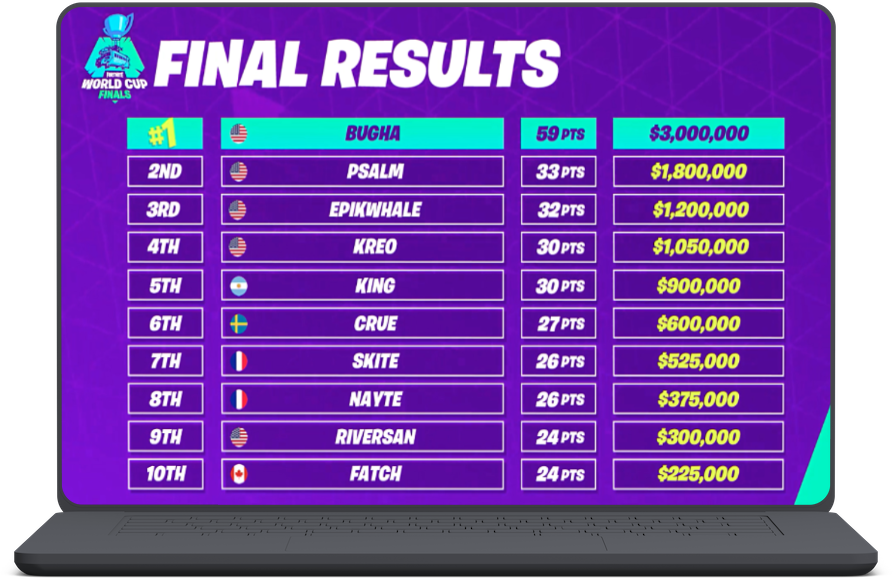
Mastering real-time chat enabled gaming is the single most effective way to elevate your performance from casual play to serious competition. Whether you are climbing competitive ranking leaderboards or coordinating intricate group puzzle solving, the difference between a loss and a victory often comes down to how effectively your team shares information. When every second counts, your ability to communicate clearly and efficiently becomes as important as your mechanical skill.
1.1 Establishing Clear Communication Protocols
Successful teams thrive on structure. Without established protocols, voice channels quickly become cluttered with unnecessary noise, leading to critical information being missed. Establishing a “comms hierarchy” where specific players handle shot-calling prevents overlap and ensures that tactical decisions are executed with precision.
1.1.1 Mastering the Art of Tactical Call-outs
Keep your call-outs brief and actionable. Use the “Who, Where, What” framework: identify the target, their location, and their status. Instead of saying, “There’s a guy over there by the boxes,” use specific identifiers like, “Enemy sniper, north balcony, one shot left.” This clarity allows teammates to react instantly without needing further explanation.
1.1.2 Standardizing Terminology and Map Landmarks
Confusion is the enemy of coordination. Standardize your team’s vocabulary by adopting universal call-out names for common map landmarks. If a specific corner or choke point doesn’t have a name, create one during pre-game lobbies. Consistent terminology ensures that when you call for help, your team knows exactly where to rotate.
1.1.3 Utilizing Ping Systems as Non-verbal Communication
Modern games often feature robust ping systems that act as a silent language. Use these tools to supplement voice chat, especially when you are currently engaged in a firefight and cannot afford to speak. A well-placed ping provides visual confirmation of enemy positions or objective locations, which is often easier for the human brain to process than a verbal description.
1.2 Technical Foundations for Effective Voice Coordination
High-quality communication relies on technical reliability. If your audio is distorted or lagged, your team coordination will suffer regardless of how well you know the game mechanics. Consistent audio input is a non-negotiable requirement for high-stakes team based objective matches.
1.2.1 Optimizing Microphone Sensitivity and Noise Suppression
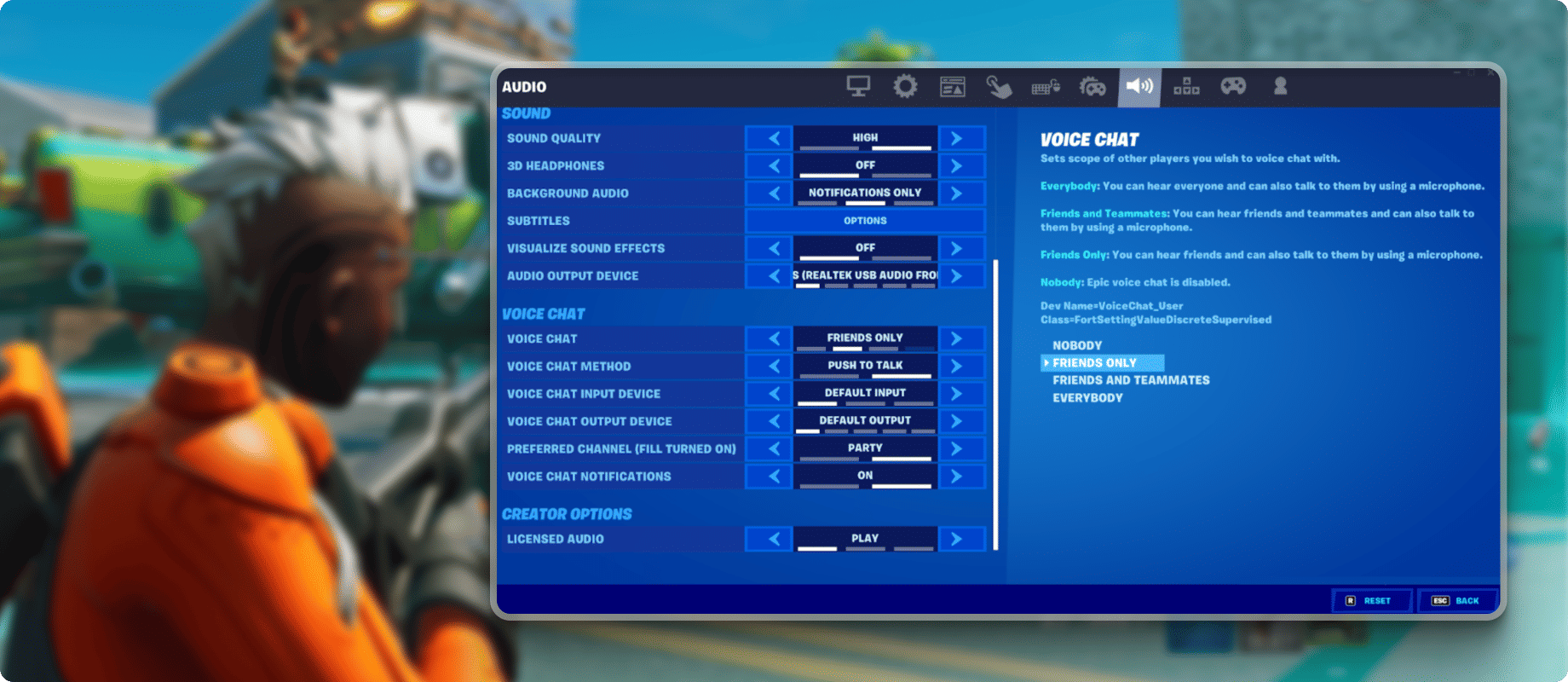
Adjust your microphone gain to avoid picking up keyboard clatter or background environmental sounds. Enable noise suppression settings within your software to filter out static, ensuring your voice remains crisp and professional during heated moments.
1.2.2 Balancing Spatial Audio and In-game Voice Levels
You need to hear both the game’s audio cues—like footsteps or reloads—and your teammates’ voices. Use a dedicated audio mixer or in-game settings to balance these outputs, ensuring that voice chat never drowns out the auditory information provided by the game engine.
1.2.3 Reducing Input Latency for Real-time Response
Latency is the silent killer of team strategy. Prioritize wired connections over Wi-Fi to stabilize your packet delivery and reduce jitter. Lower latency ensures that your verbal warnings reach your team at the same time the event occurs on their screens.
1.3 Managing Group Dynamics and Team Psychology
Technology only facilitates communication; it doesn’t create teamwork. The social aspect of gaming is a cornerstone of success in massive online social hubs, and your mindset dictates the effectiveness of your squad.
1.3.1 Active Listening and Teammate Status Awareness
Effective communication is a two-way street. Listen for your teammates’ cooldowns, health status, and ammo counts. By staying aware of their limitations, you can make better tactical decisions, such as providing cover fire while a teammate reloads or healing a player who is low on health.
1.3.2 Filtering Information During High-Intensity Combat
Learn to prioritize information. During a chaotic engagement, only transmit “need-to-know” data. Discourage “clutter comms,” such as complaining about deaths or narrating your own mistakes. Silence is often better than noise when your team needs to focus on executing a complex play.
1.3.3 Maintaining Morale Under Pressure and Conflict Resolution
Even the best teams will face setbacks. Keep morale high by emphasizing positive reinforcement and constructive feedback. If a teammate makes a mistake, address it calmly after the round. Maintaining a supportive atmosphere prevents internal friction, which is essential for long-term consistency and improvement.
2. Advanced Infrastructure and Community Strategies for Real-time Chat Enabled Gaming
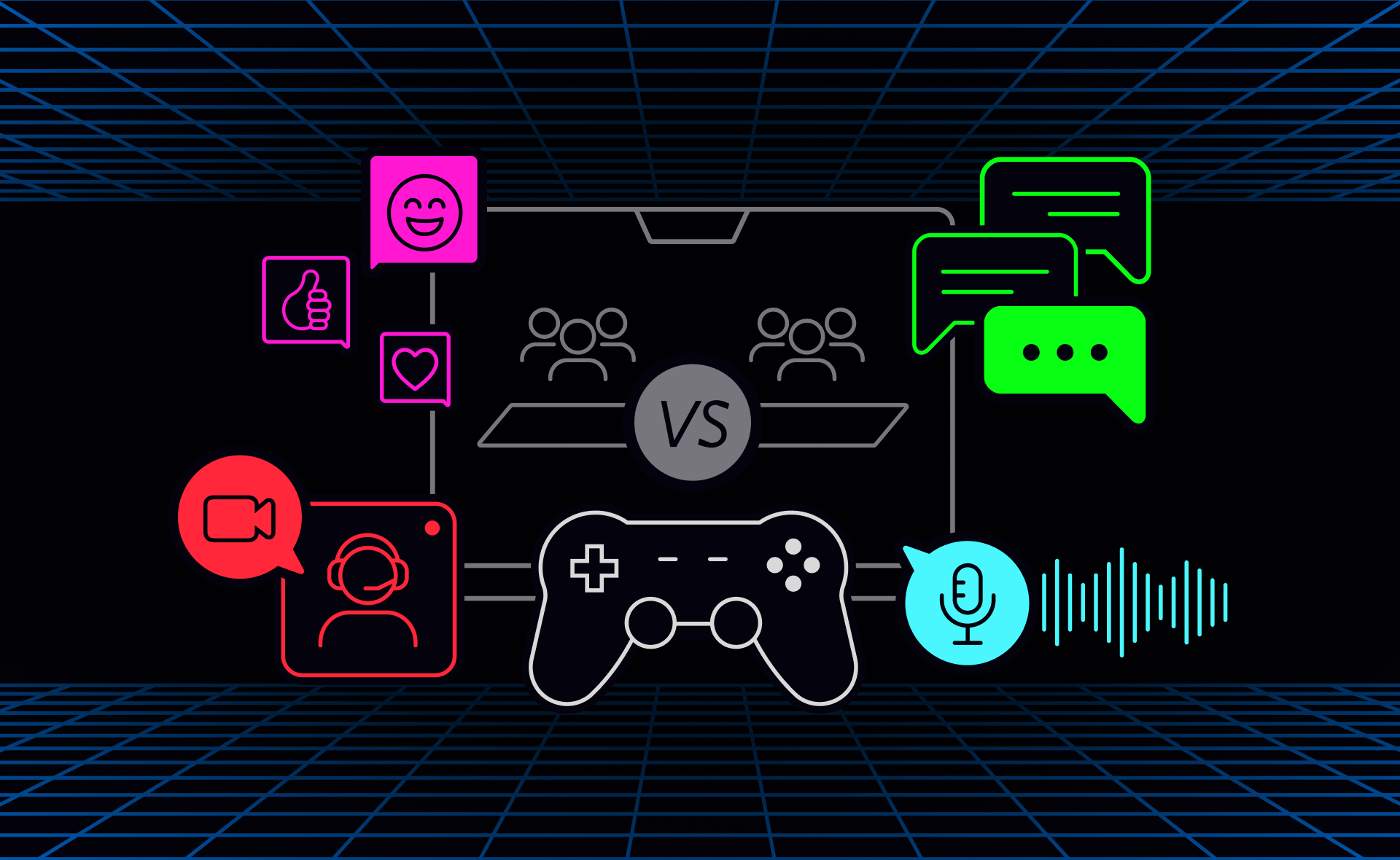
2.1 Selecting the Right Communication Platforms
2.1.1 Comparing Native In-game Chat vs. External Apps Like Discord
While many modern titles include integrated voice systems, serious players often debate the merits of native chat versus external software. Native in-game chat is undeniably convenient, offering a plug-and-play experience that keeps the entire team on the same channel without requiring additional hardware resources. However, it often lacks the granular audio customization and stability found in dedicated platforms like Discord. External apps provide superior noise suppression, individual volume balancing, and a consistent communication hub that persists even if the game client crashes or requires a restart during intense competitive ranking leaderboards.
2.1.2 Configuring Overlay Settings for Seamless Interaction
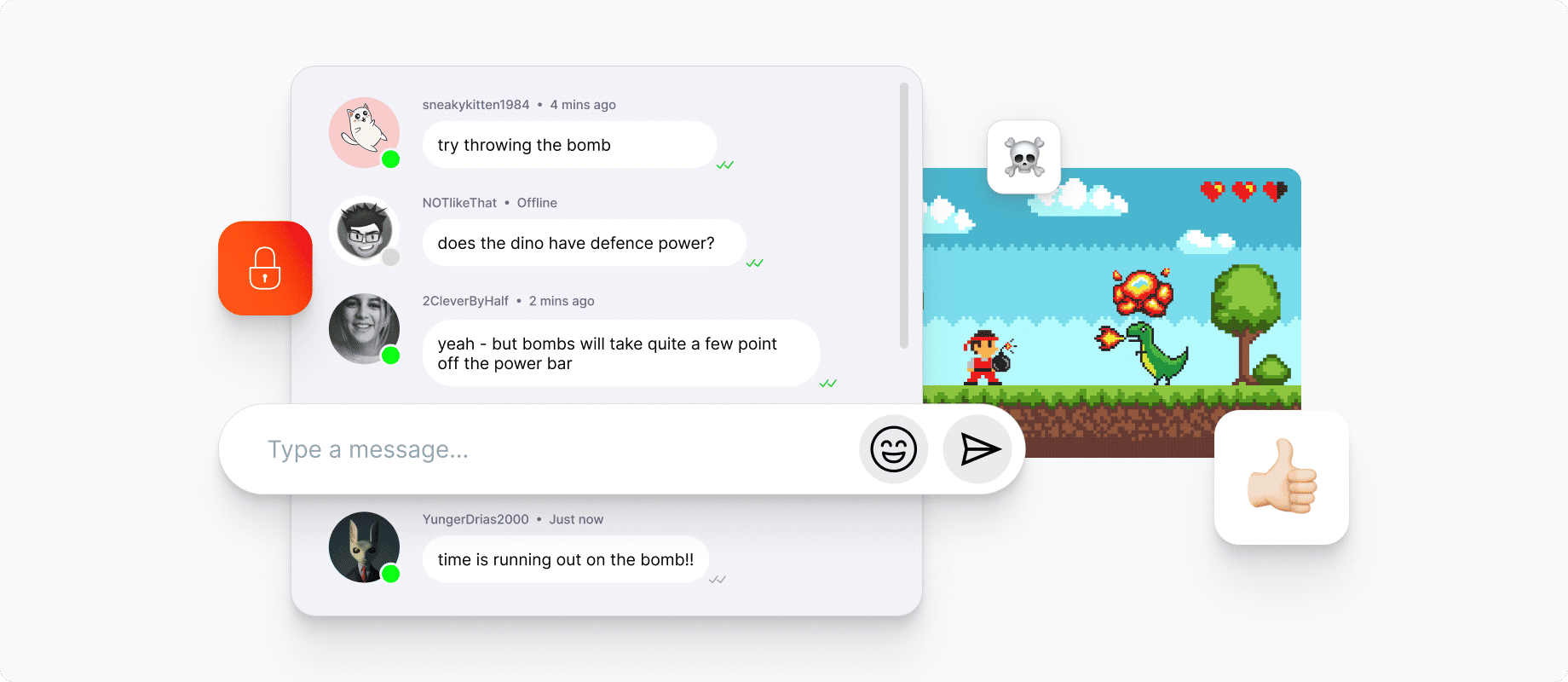
To avoid alt-tabbing during critical gameplay moments, configuring overlays is essential. A well-placed overlay allows you to monitor who is speaking, toggle mute functions, and check text channels without breaking your immersion. When setting up these tools, prioritize transparency settings that keep vital game information visible. Balancing accessibility with visual clutter ensures you remain fully aware of the battlefield while staying connected to your squad’s tactical updates.
2.2 Ensuring Hardware and Networking Reliability
2.2.1 Selecting High-Fidelity Headsets for Clear Audio Input
Clear communication begins with quality hardware. High-fidelity headsets with unidirectional microphones are vital for isolating your voice from mechanical keyboard clicks or ambient background noise. When selecting a headset, look for models with balanced frequency responses that highlight mid-range vocal tones, as this is where crucial tactical information is transmitted. Investing in a proper setup prevents the common issue of your teammates misinterpreting muffled call-outs during high-stakes encounters.
2.2.2 Managing Bandwidth to Prevent Voice Lag
Voice lag can be just as detrimental as high latency in gameplay. If your network is struggling, prioritize your gaming traffic through Quality of Service (QoS) settings in your router to ensure voice packets take precedence. Additionally, consider lowering the bitrate of your outgoing audio if your upload bandwidth is limited. This ensures that your voice arrives at the server in real-time, allowing your team to react instantly to your information.
2.3 Fostering Positive Gaming Environments
2.3.1 Proactive Strategies for Dealing with Toxicity
Maintaining a positive atmosphere is a core component of effective real-time chat enabled gaming. If a lobby becomes toxic, utilize mute or block features immediately to prevent emotional fatigue. Adopting a culture of constructive feedback—focusing on what went right and how to improve for the next encounter—helps keep the team focused on objectives rather than individual errors.
2.3.2 Building or Finding Communication-Focused Squads
The most effective way to ensure high-quality communication is to play with a consistent group. By building a dedicated squad, you can establish shared shorthand and trust that random lobbies rarely offer. Look for community hubs or groups that value strategic coordination over raw mechanical skill; this foundation makes it significantly easier to climb the ranks together.
2.4 Troubleshooting Common Communication Barriers
2.4.1 Addressing Frequent Voice Chat Connection Issues
If you find yourself disconnected from team chats, first verify your regional server settings and ensure your firewall isn’t blocking the application’s required ports. Updating audio drivers and toggling the specific input device within the game’s audio settings often resolves persistent connection drops or initialization errors. Keep a secondary communication app running in the background as a reliable fail-safe.
2.4.2 Adapting to Different Languages and Regional Dialects
In massive online social hubs, encountering diverse language backgrounds is common. If your team does not share a common fluently spoken language, rely heavily on universal game terminology and ping systems. Establishing a few basic, agreed-upon terms for map navigation and danger levels can bridge the gap, allowing for seamless cooperation regardless of linguistic differences.
Mastering real-time chat enabled gaming is about more than just fast reflexes; it is the culmination of clear communication, technical optimization, and a positive social mindset. Whether you are coordinating complex maneuvers in team-based objective matches or strategizing with your squad to climb the competitive ranking leaderboards, the ability to convey information efficiently is your greatest asset. By standardizing your call-outs, investing in reliable hardware, and prioritizing a respectful environment, you transform from a solitary player into a force-multiplier for your team.
Remember that even the most advanced voice infrastructure cannot replace the foundation of active listening and mutual support. As you continue to refine your setup and practice your communication tactics, you will find that these skills translate well beyond a single session, helping you build lasting connections within massive online social hubs. Start implementing these communication protocols during your next session to see an immediate impact on your squad’s synergy and overall performance. If you are looking to further refine your coordination skills, be sure to check out our tips for mastering team-based objective matches to take your gameplay to the next level.